

 Operational · v0.42.1
StudioHub
All your clients, what needs doing for them and when it is due. In one place.
StudioHub organizes the firm's work with Uruguayan tax deadlines (DGI and BPS) built in: everyone knows what to do today and you know what is overdue.
Interface in Spanish
Production version: 0.42.1 · checked on Oct 19, 2026
What it does for you
- Recurring tasks are generated from the templates you set up, with their due dates.
- Everyone logs in and sees their own work: overdue, due today and due this week.
- Request documents from clients with a link, no account needed, and the system can remind them if you turn it on.
- A monthly report for every client showing what the firm did for them, with your logo and a QR code that proves it is authentic.
How it works, step by step
What is due today, without asking anyone
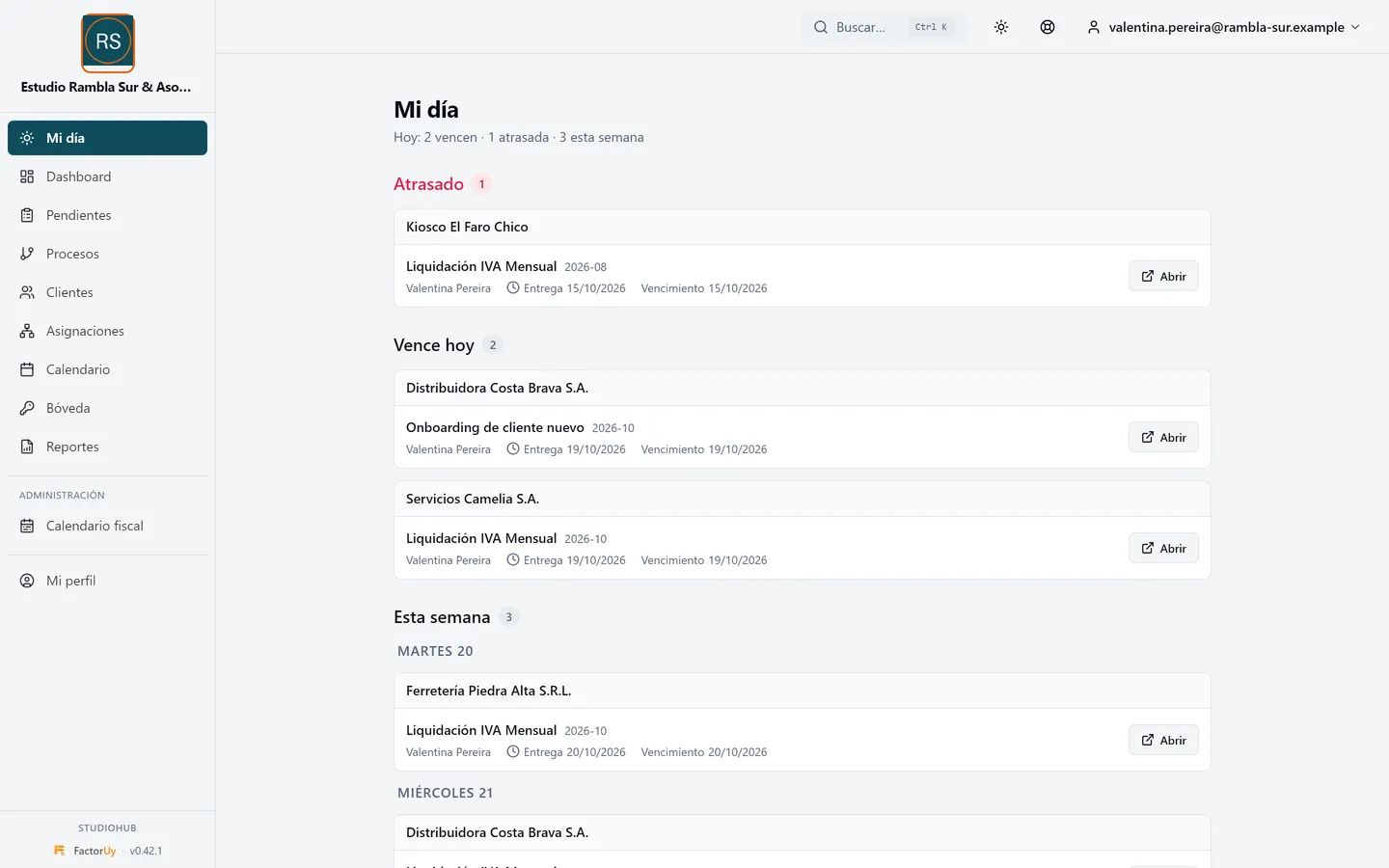
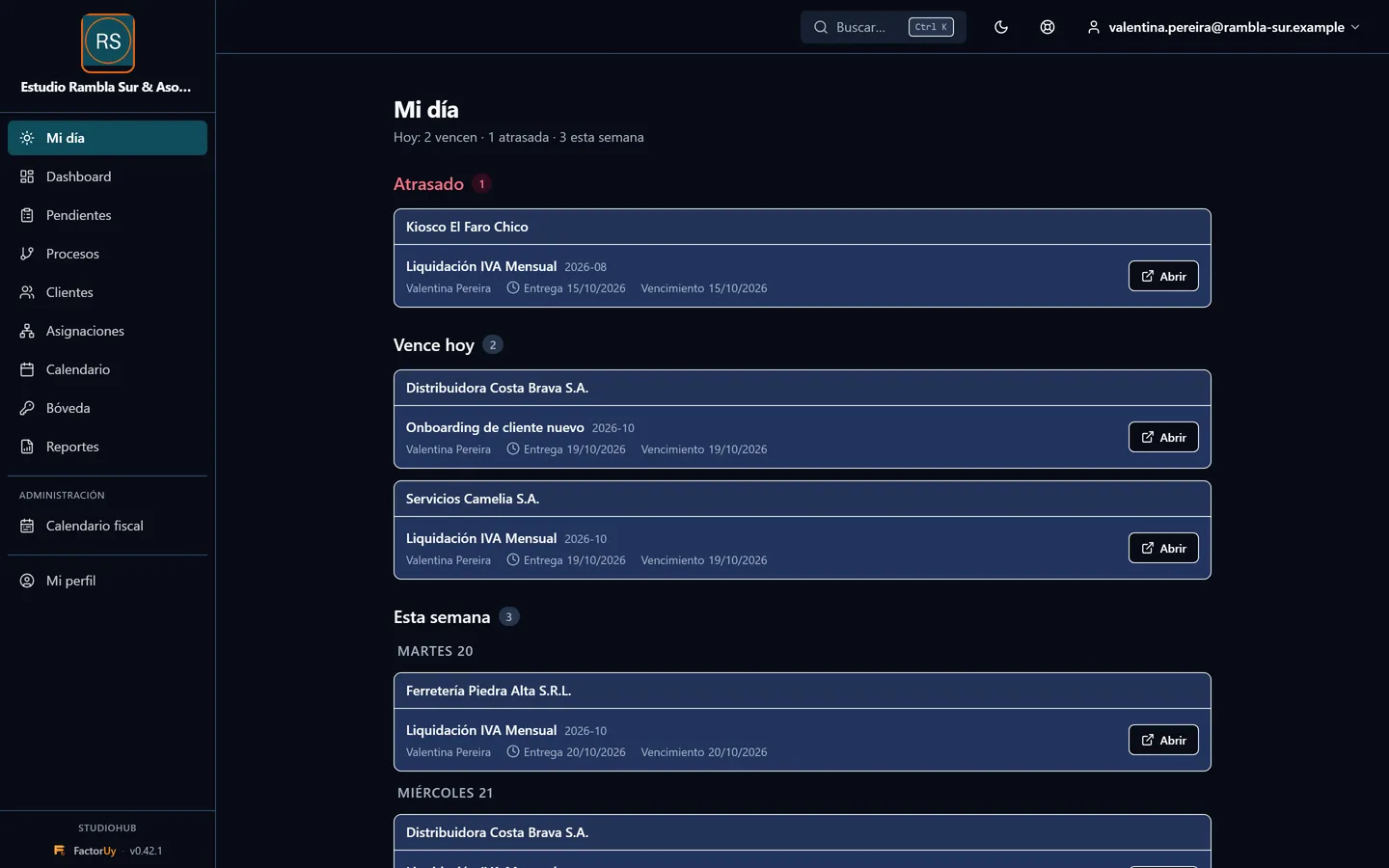
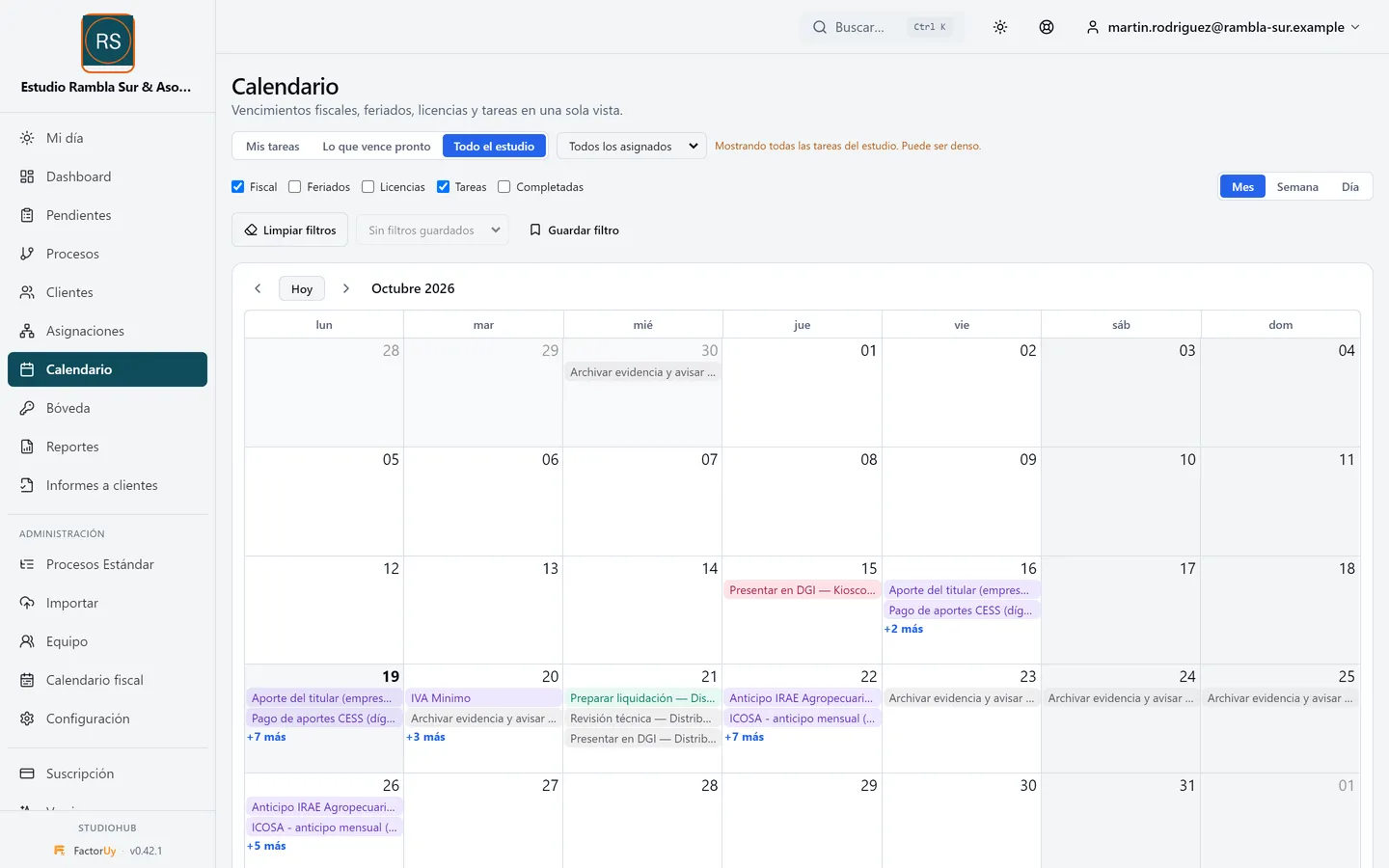
The first screen of the day answers what matters: what is overdue, what is due today and what is coming this week. Each team member sees their own work, and anything waiting on the client is kept apart so it does not hide what is urgent.
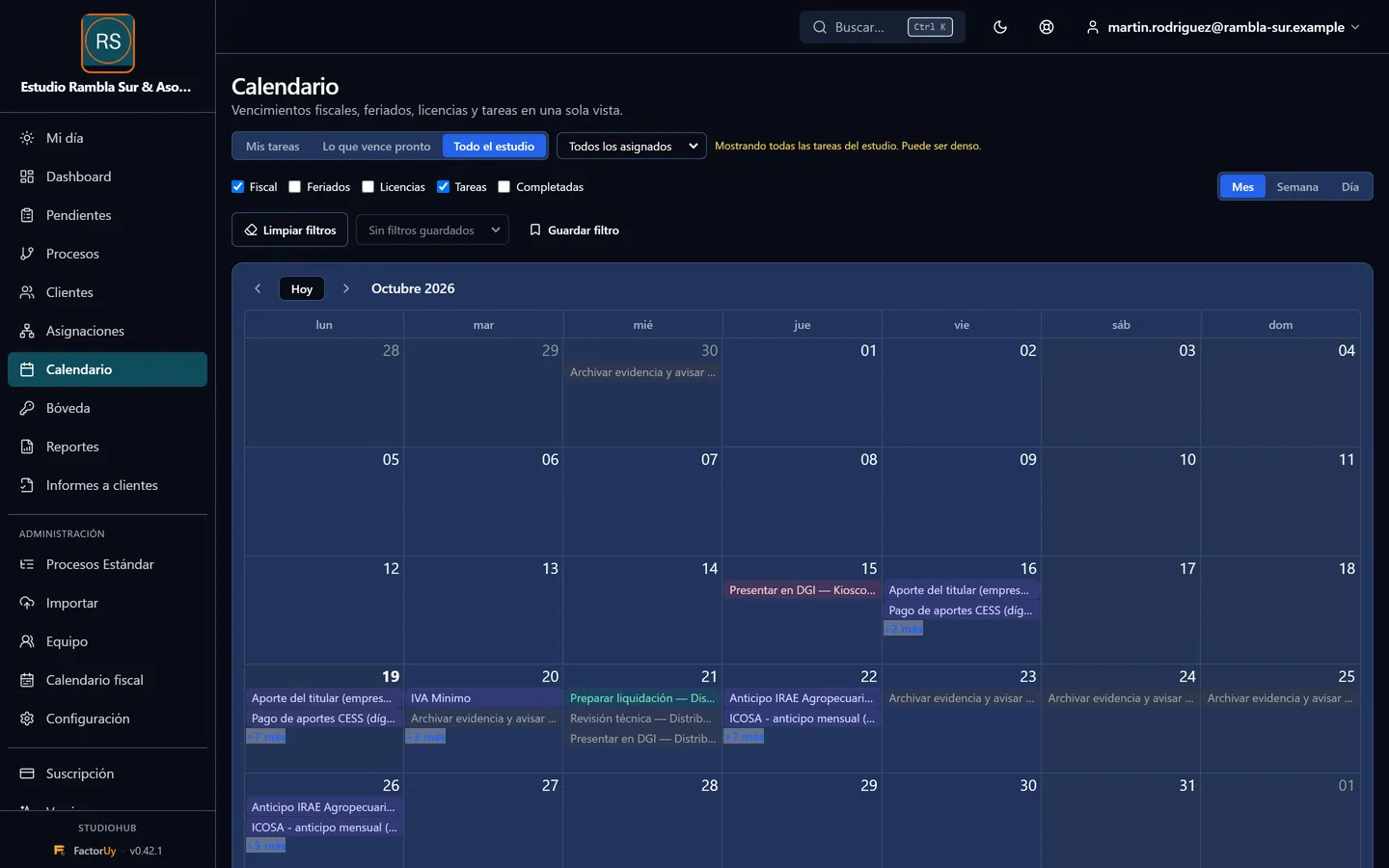
DGI and BPS deadlines, already loaded
StudioHub ships with the official tax calendar and matches it with each client's obligations, so you only see the dates that apply to you. Recurring tasks are generated from the templates you set up.
Where the risk is, at a glance
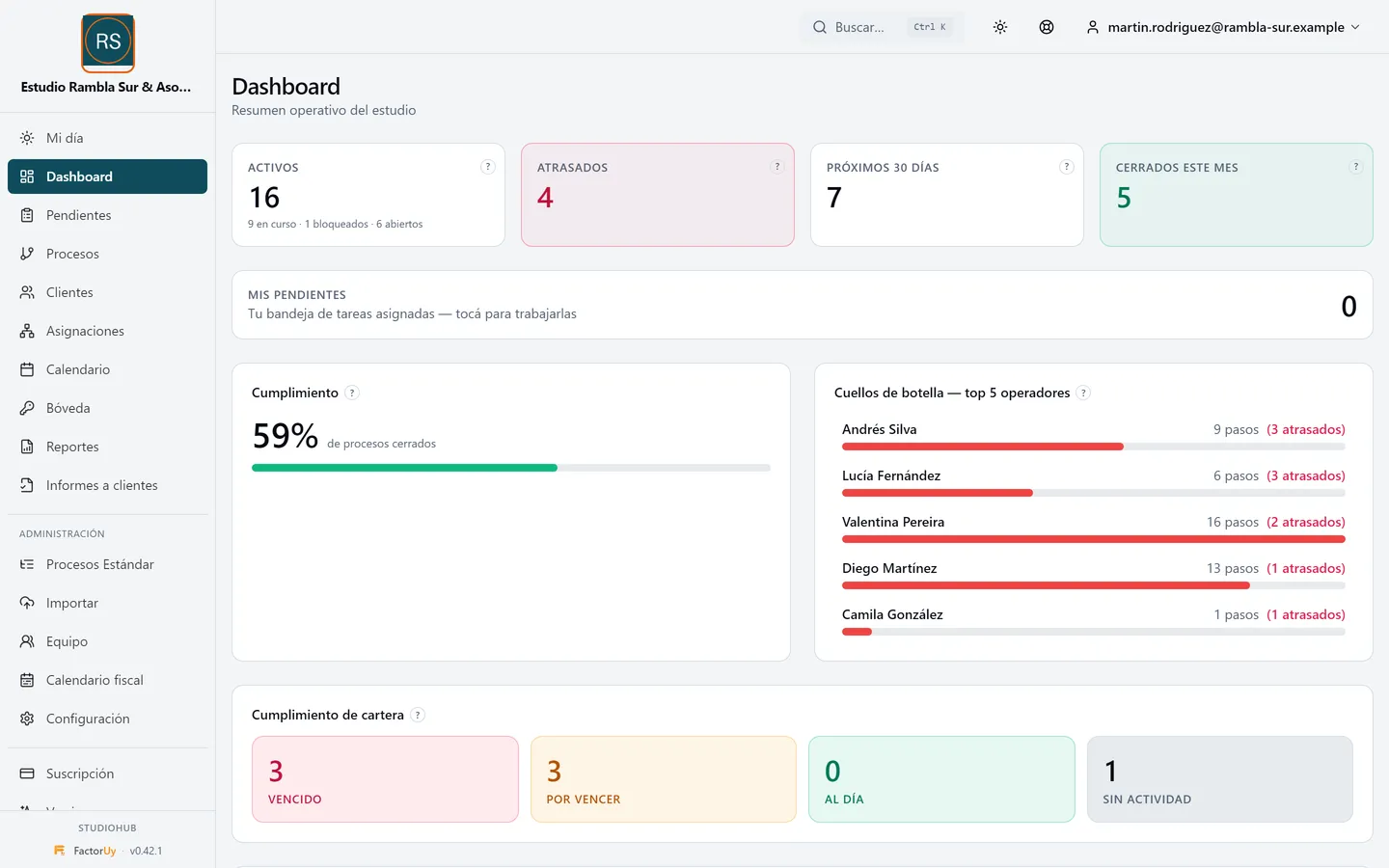
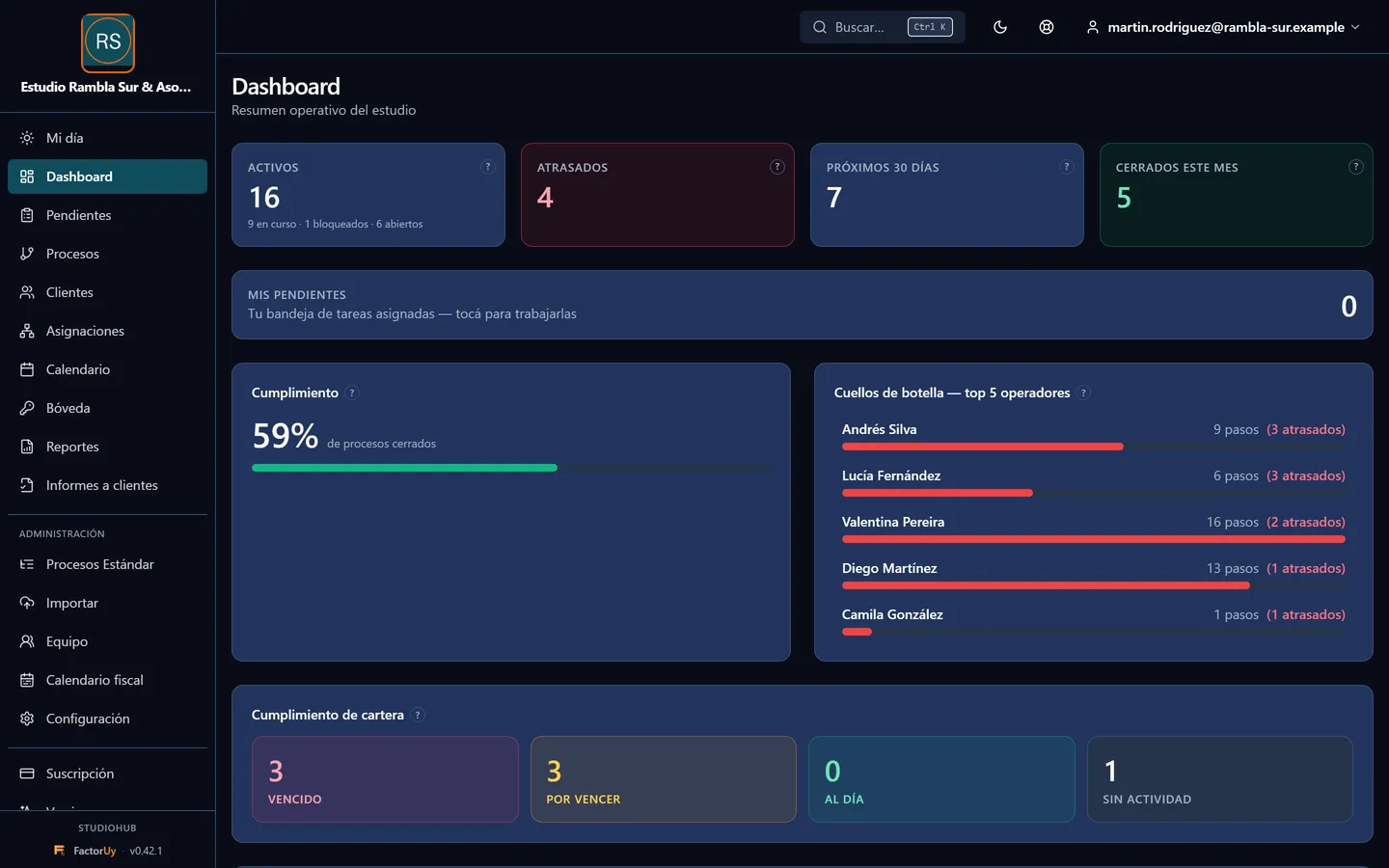
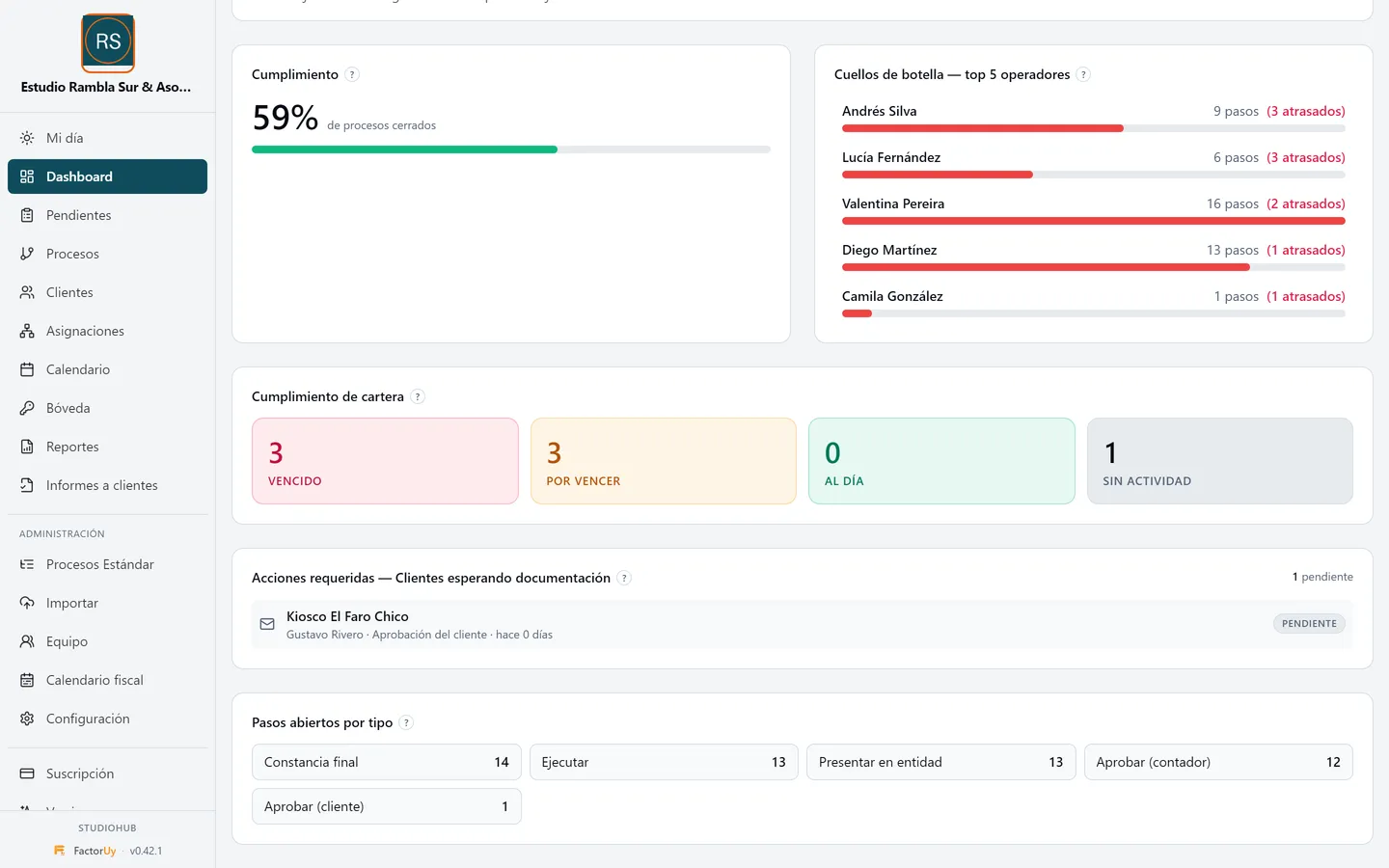
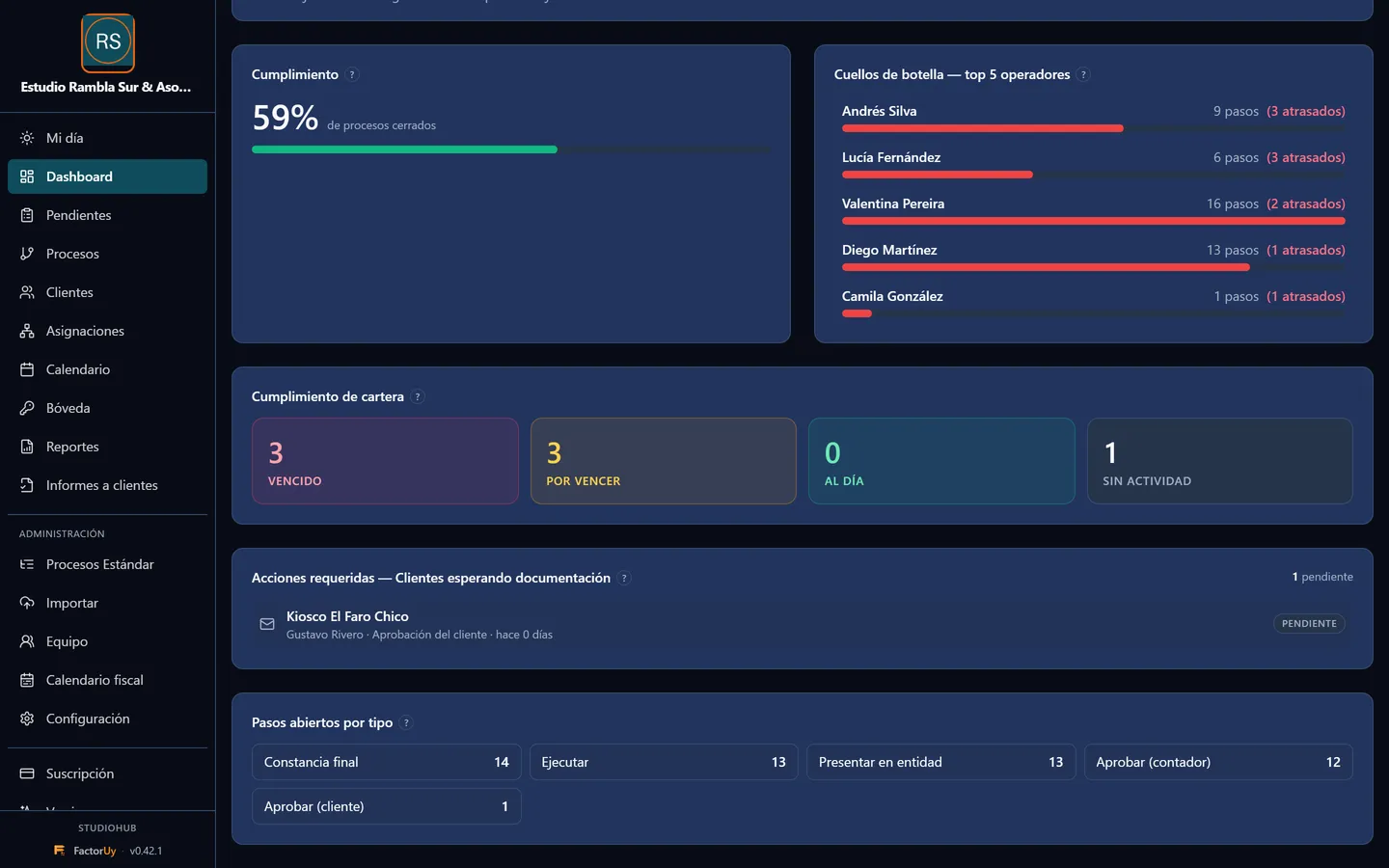
The dashboard shows what is overdue, what is due in the coming days, who is overloaded and which clients have not sent their documents. It is the owner's screen to decide where to step in before it is too late.
Client requests that do not get lost
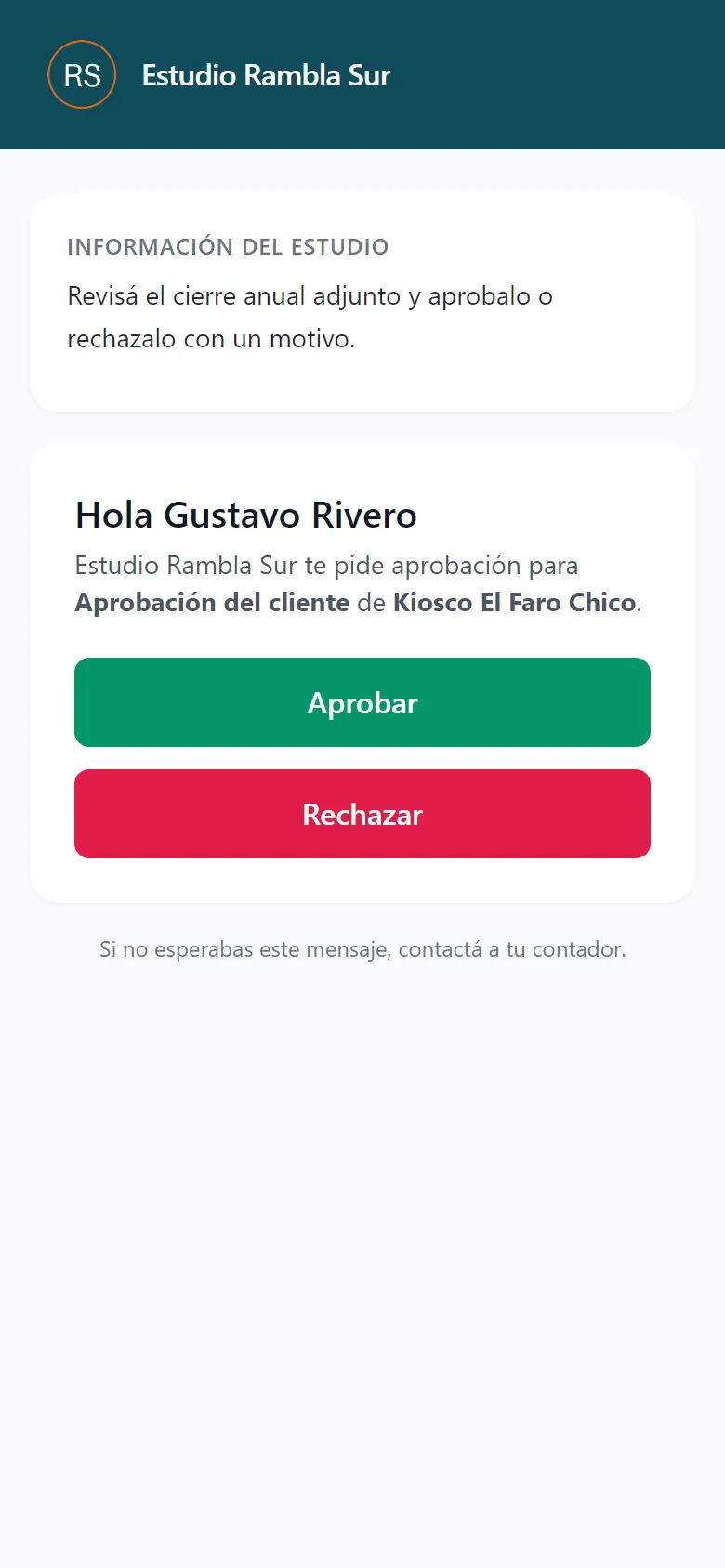
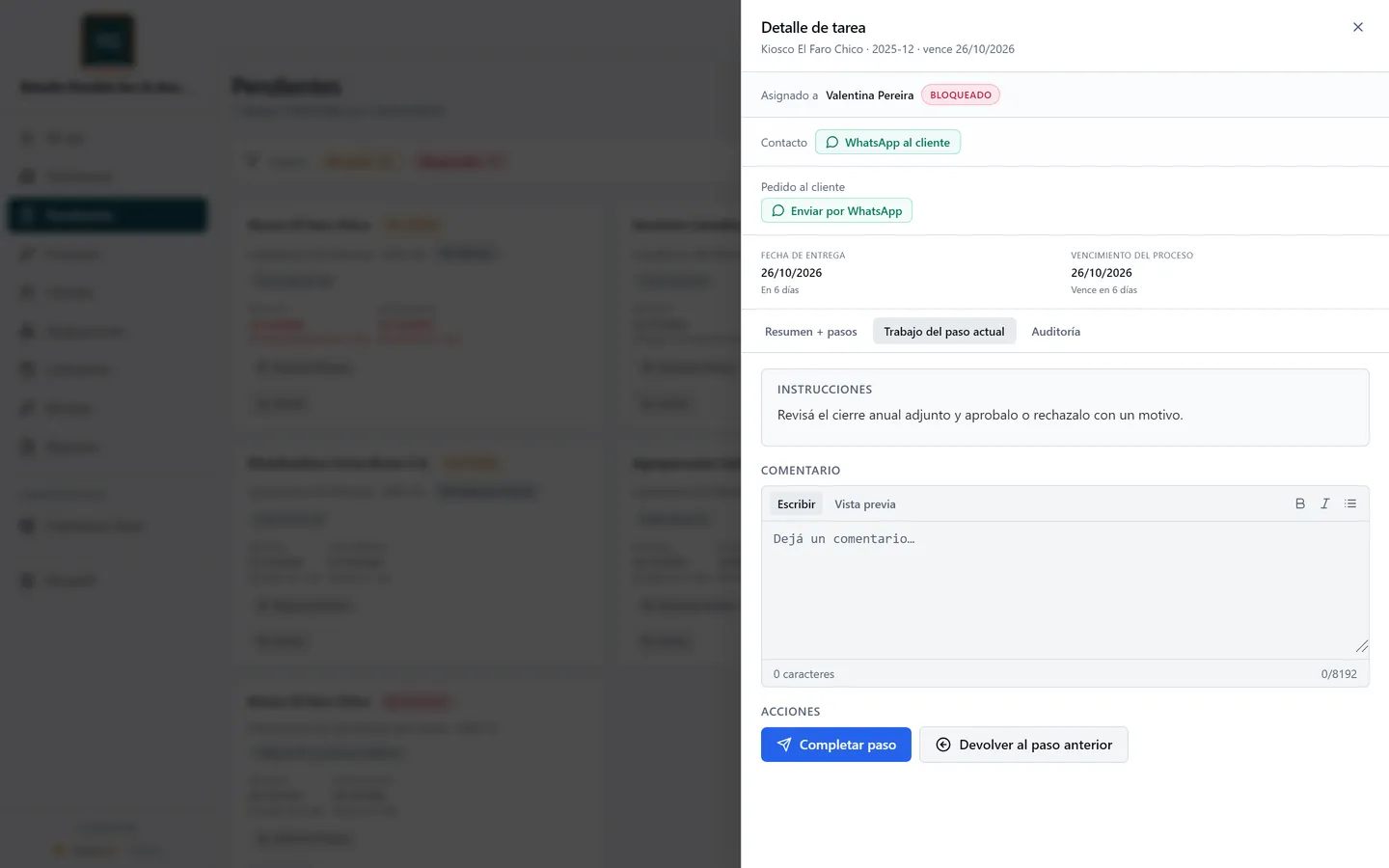
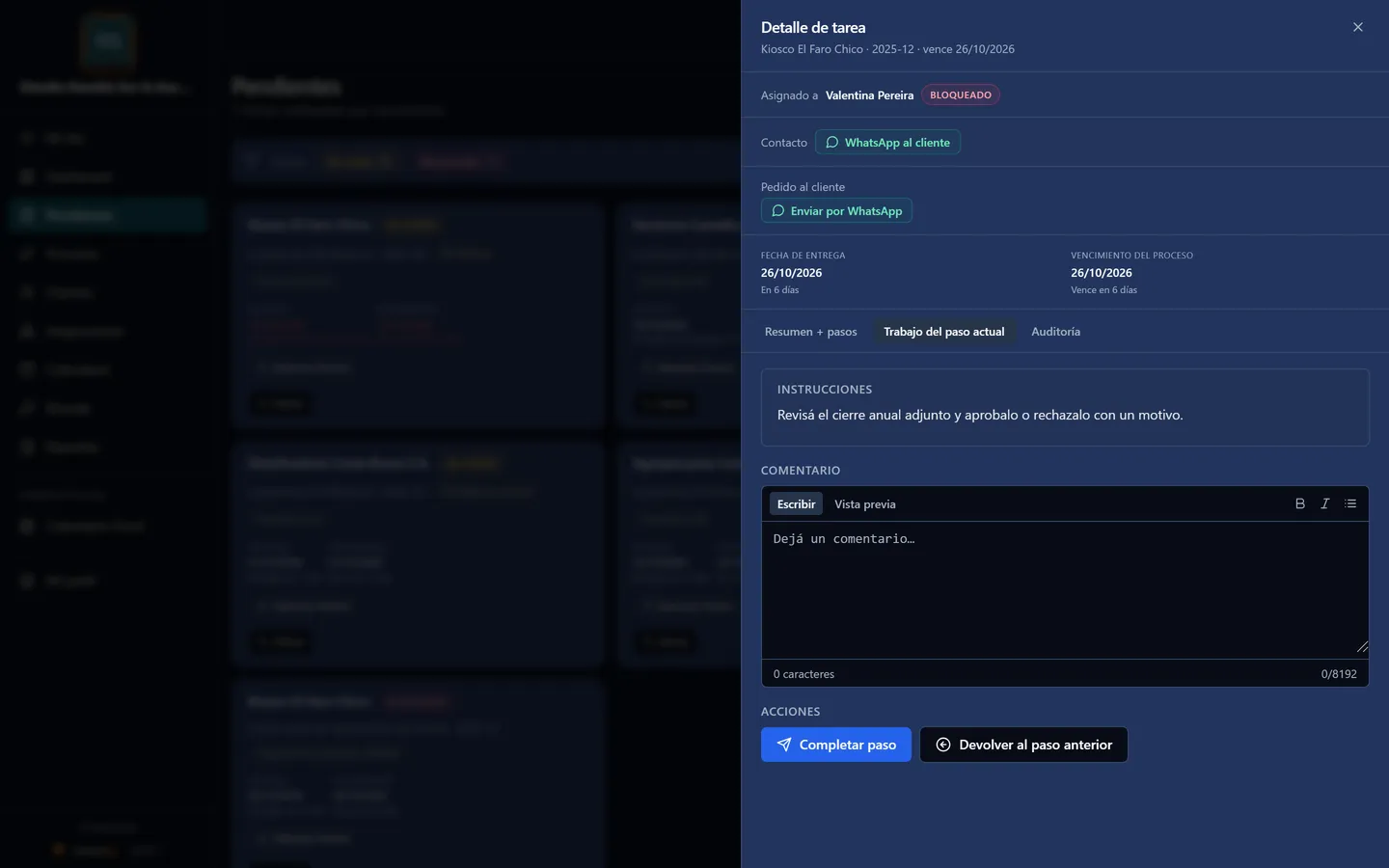
You send the client a personal link, by email or WhatsApp, to upload what is missing, approve something or confirm a notice. No username or password needed, they see your firm's colors, and the system can remind them if you turn it on. Their answer is recorded with date and time.
Show your client everything you did for them
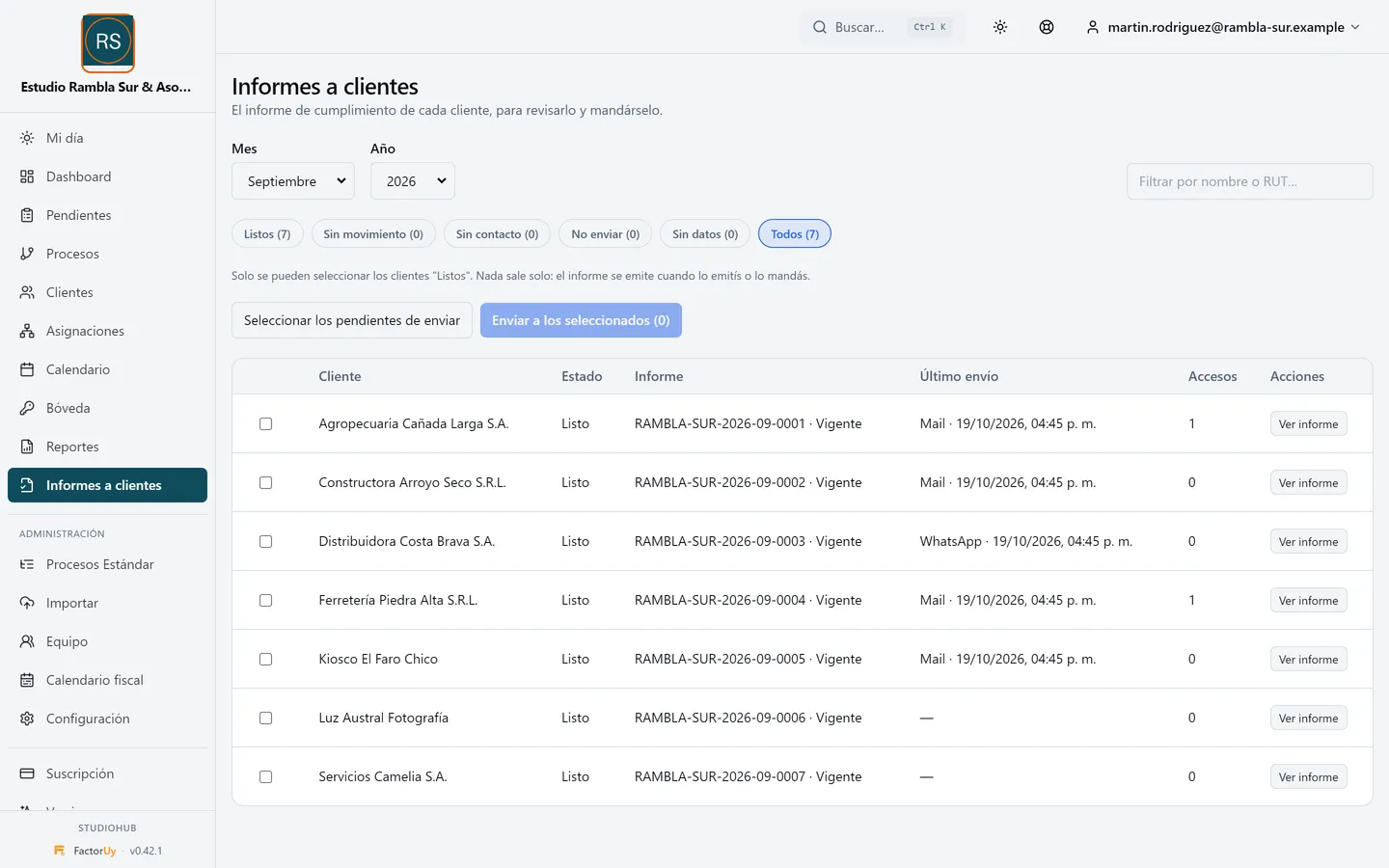
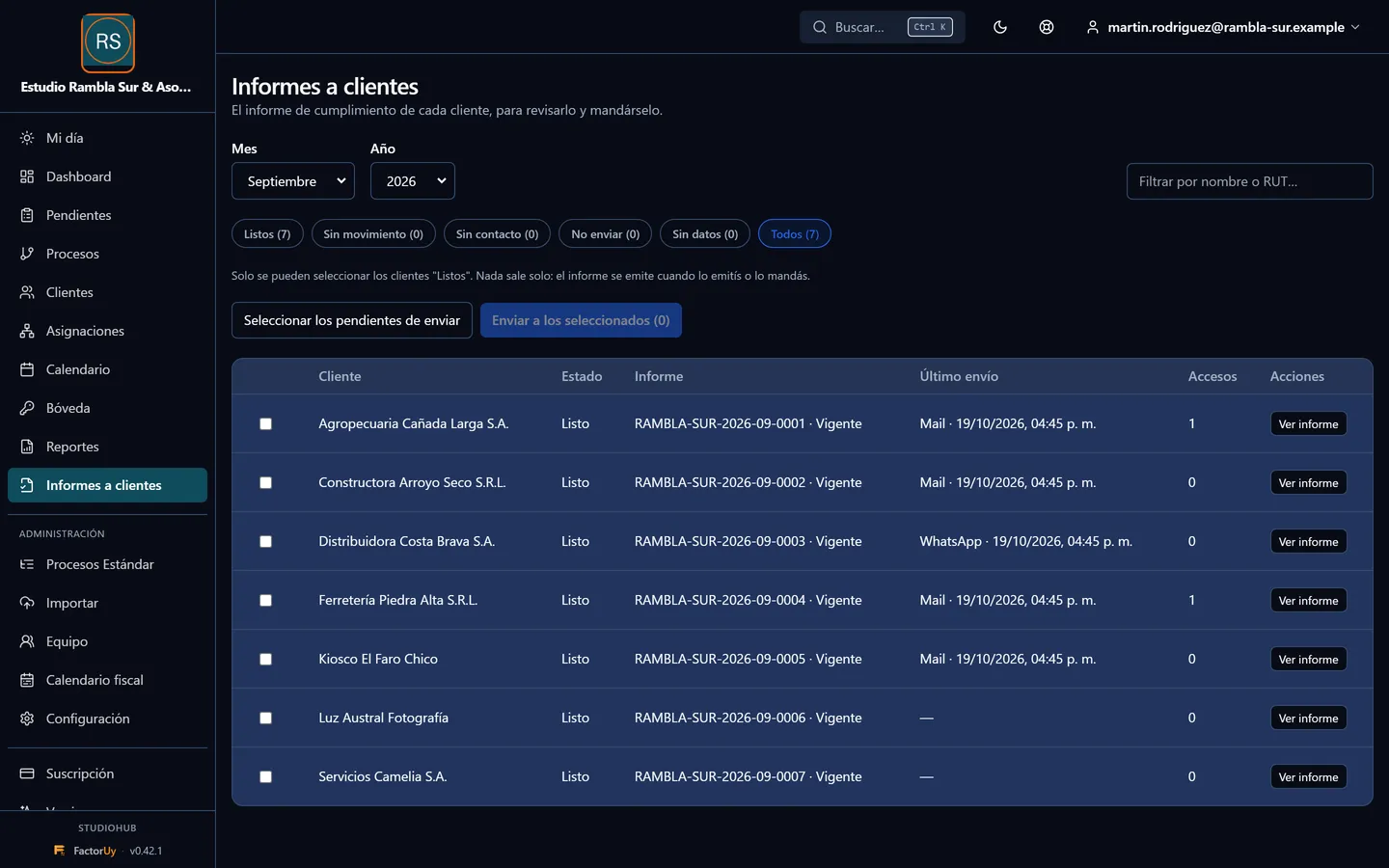
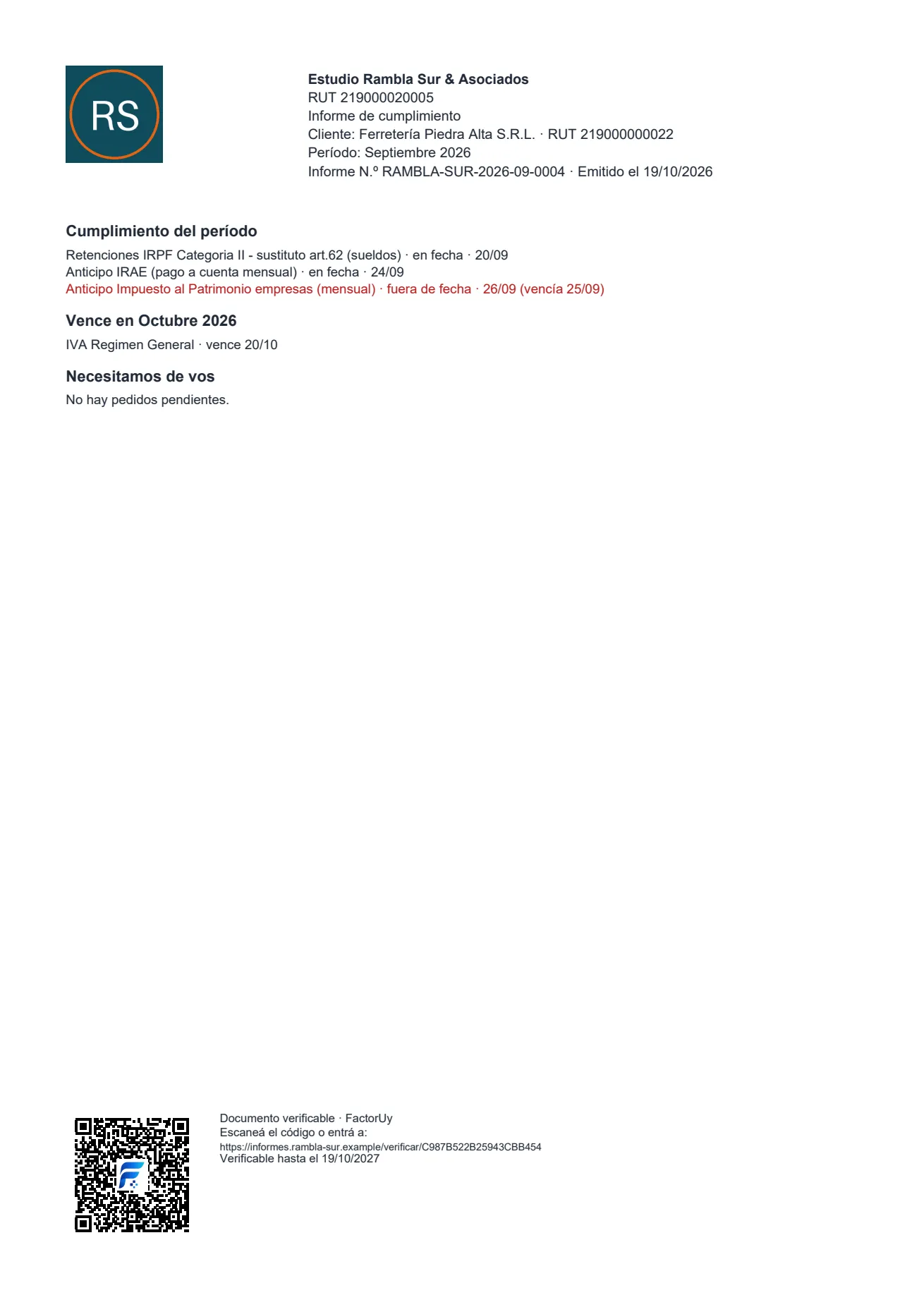
Every month, a one-page report per client: what was done and whether it was on time, what is due next month and what they still need to send. It carries your logo and a QR code that opens a verification page. Nothing is sent automatically: you decide who gets it and when.
Your clients' passwords, stored properly
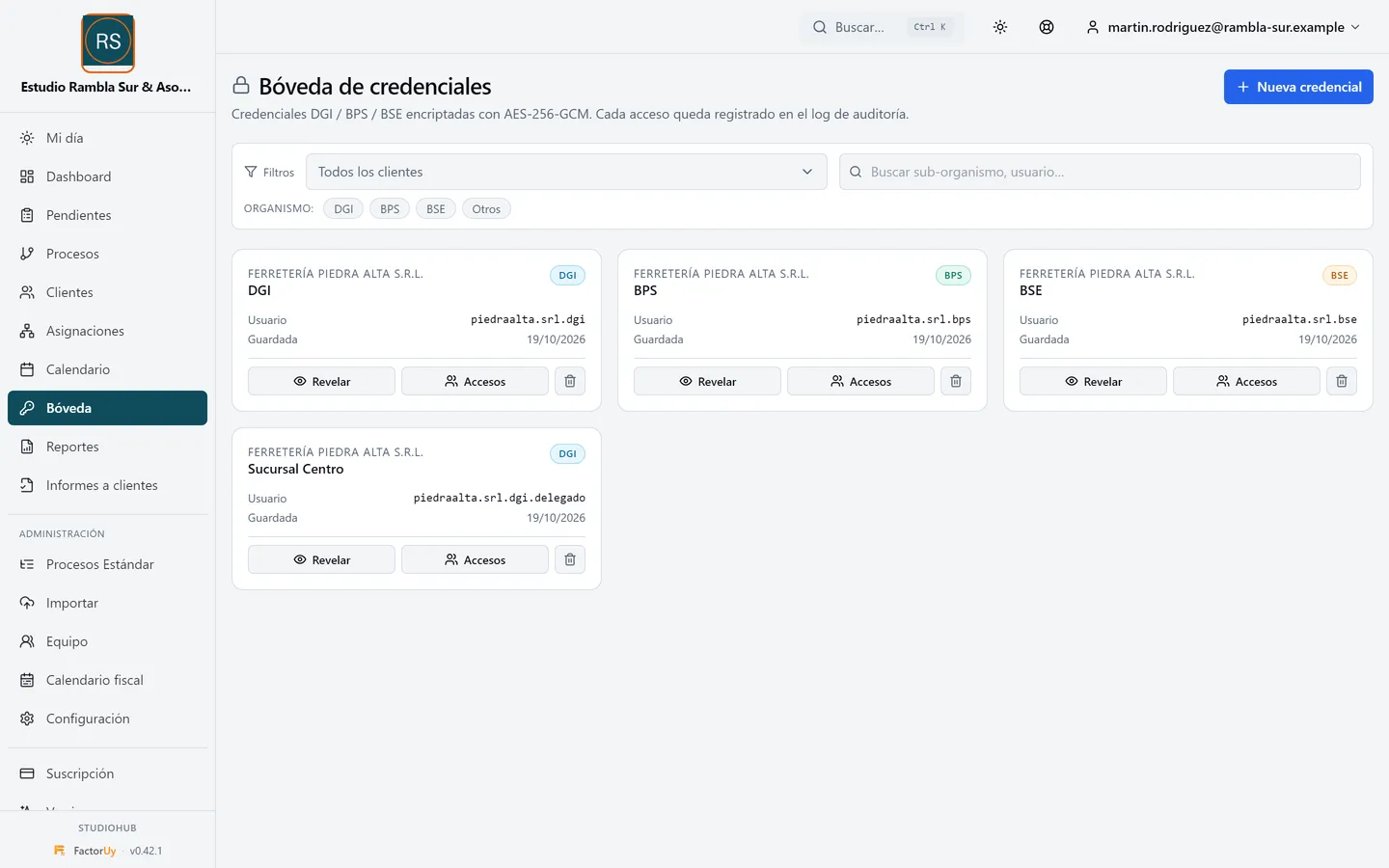
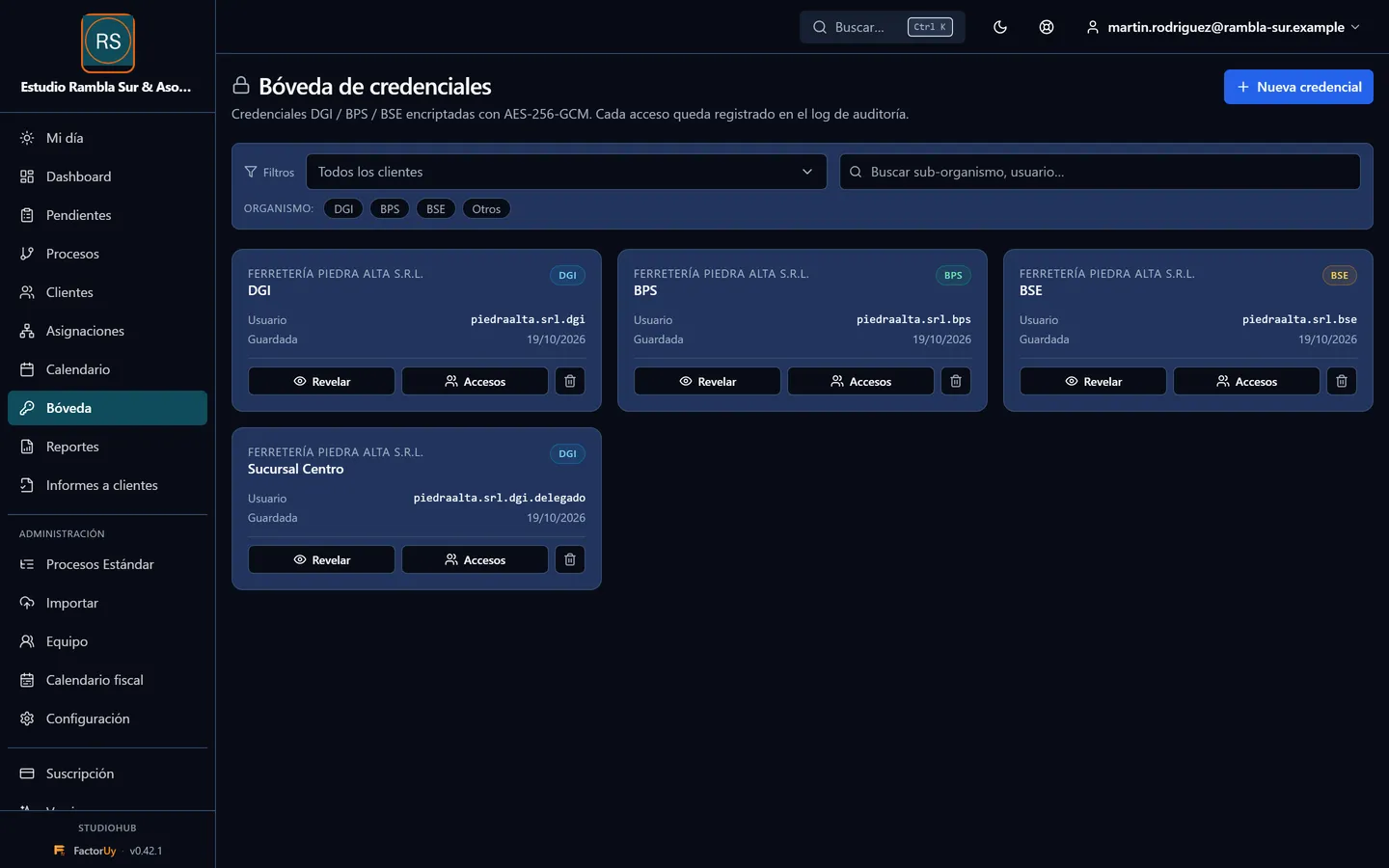
Portal passwords are stored encrypted. Inside the application only people with permission can see them, and every time someone views them it is logged.
StudioHub 0.42.1 screenshots with data from a fictional firm.
Also included
- Reports exportable to Excel and PDF.
- Search clients and tasks from any screen.
- Calendar feed for your own calendar app (ICS).
- Two-factor authentication (2FA) to sign in.
New in version 0.42.1
Más protección para los informes y los links a clientes
Release notes (in Spanish)Frequently asked questions
Does it replace my accounting software?
No. StudioHub does not do bookkeeping or payroll: it organizes work and deadlines, alongside the tools you already use.
How much does it cost?
Pricing depends on the number of users in your firm. Request a demo and we will send you a proposal.
Requirements
Runs in the browser, on a computer or a phone.